Main software/skills used:
- Unity
- C#
- VR Game Development
Overview
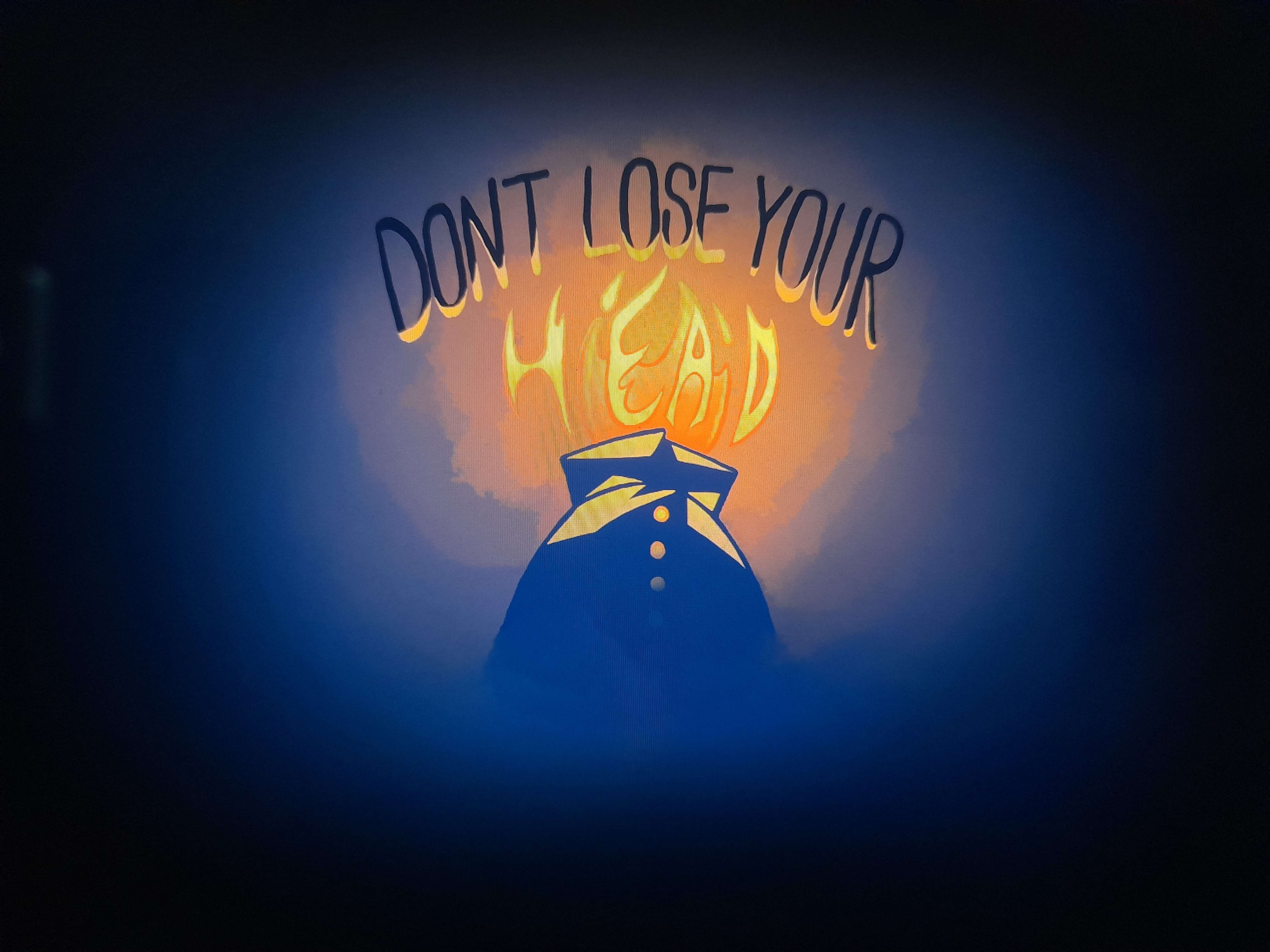
Don't Lose Your Head is a Unity VR project that was started in November 2022 as part of the Experimental Games module at my university. The game revolved around one mechanic; being able to place your main character's head on various spaces, with puzzle and stealth elements as the core gameplay experience. And while it's been a rocky road so far, I can state with certainty that while developing for VR is challenging, this platform allows for immersive experiences no other platform even comes close to, and this project kickstarted my want to develop games for VR (now equipped with my own VR headset).
Just put the camera on a space in the game, right?
Safe to say, that was what I thought at the beggining of the development of the game (after thinking "Wow, I love this thing" every time I put on the Oculus Quest I borrowed from my university), but I quickly discovered that that isn't going to work. Moving the camera with the player's hand? Sounds like a motion sickness nightmare. So was now given a head game object, that they could grab and place on top of an in-game object that allowed for it (nicknamed a Head Place Area), which involved discovering the XR Development Toolkit. When I first started, I wanted to use as little of this system as possible and implement my own, which worked; the player's head object was grabbable, it could be placed at a Head Place Area, and the camera would switch accordingly... but it was filled with bugs.
The game wouldn't detect the player's controllers after having their head back on their body and the cameras would not disable themselves at times. So I decided to overhaul the entire system, keeping what code worked beforehand, and fully integrating the XR Development Toolkit when applicable, and now the mechanic works fully as intended, if not even better than before! Instead of the player having to point at their head to grab it, they can now choose between that and grabbing it based on the proximity of the player's hand, and even pass it to the other one if they want to, and the camera issues were solved as a side effect.
How it works
The player can use their left controller thumbstick to control their movement, and the right one to rotate from left to right. They can also use the grab button on their controller while either pointing it at or having their hand close enough to their head to grab it. Once the held head is in an area where it can be placed, an shadow of the head will appear on where the head would be, and once the button is released, the player starts looking through the eyes of the placed head, which allows them to see their body, move as they usually can and solve situations presented to them in the game. Once grabbed again, the camera returns to the player, and the game continues.
Credits
Thumbnail: Saffron Peterson